
Photo and video tasks
Photo and video tasks for your party.
A good task says exactly what to do – and gets someone out of their seat while it’s at it. Here is a selection from the ready-made catalogue, and below it, what you can set for every task.
- To borrow
- Photo and video
- Create your own
- No app

Take them with you
Photo and video tasks for your party
All of them are in the SnapParty catalogue exactly like this. You can simply adopt them or take them as inspiration — with SnapParty your guests get them on their phones, and all the photos land in one place right away.
Their secret
Find a couple who have been married for a long time and ask: “What’s your secret to a good marriage?”
My first memory
Tell us your first memory of the birthday girl or boy.
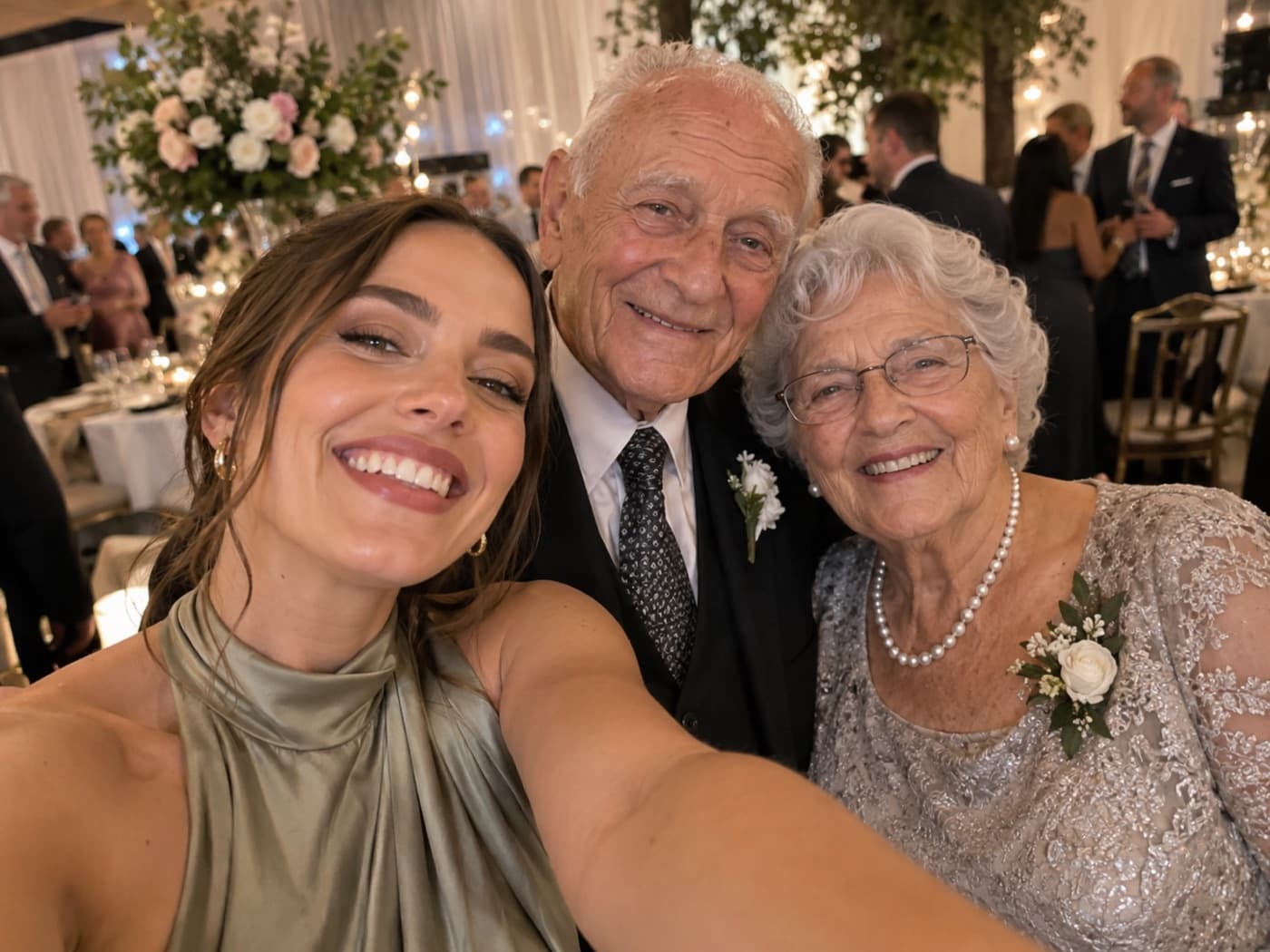
The longest marriage
Find the couple at the party who have been married the longest and photograph them together.
Photo tasks
One subject, one photo, done. The basic form — and the one an evening starts best with.
- Your drinkPhotograph your favourite drink of the evening.Photo
- Your outfitShow off your party outfit in all its glory.Photo
- Selfie with the hostsGrab one of the hosts for a selfie together.Photo
- Team selfieTake a selfie with someone from your team.Photo
- The hosts togetherGet the hosts together in one photo.Photo
- On the dance floorCatch a moment on the dance floor – the wilder, the better.Photo
- Cheers! 🥂A toast: glasses up and shoot.Photo
- From the buffetShow a tasty detail from the buffet or your fully loaded work of plate art.Photo
- New acquaintance 👋A photo with someone you met for the first time today.Photo
- Favourite person right now 💛Grab whoever is standing closest to you for a spontaneous photo.Photo
- Your plus-oneTake a photo with your plus-one – if you came alone, just grab one on the spot.Photo
- Same vintageTake a photo with someone about your age – who is NOT one of your friends.Photo
Video tasks
Everything that would be nothing without movement or sound. A still of a toast is a photo; the clink is a video.
- The dance floor is alive 🕺Film the dance floor while it’s really happening – just keep rolling.Video
- A toast – with sound 🥂Record a toast: glasses up, let them clink, sound on.Video
- Full circle 🎥Turn slowly on the spot and film the whole room as you go.Video
- Three words for tonightAsk someone to sum up the evening so far in three words – and film the answer.Video
- The laugh 😂Capture someone having a proper laugh – on video you can hear it too.Video
- Wave at the camera 👋Gather a few people and film them waving at the camera together.Video
- The best dance moveGet someone to show you their best dance move and film it.Video
- A sentence for the hostsTell the camera what you’d like to give the hosts to take with them today – one sentence is enough.Video
Find someone who …
The tasks that get people talking who would otherwise have sat side by side.
- The tall oneFind the tallest person at the party and stand next to them for a photo.Photo
- Born the same yearFind a guest who was born in the same year as you and take a photo together.Photo
- Another departmentFind someone from a department you don’t usually have much to do with and take a photo.Photo
- The boldest jumperFind the most eye-catching Christmas jumper of the evening – and the person in it.Photo
- Newly in loveFind the couple at the party who have been together the shortest time and photograph them together.Photo
- Furthest journeyFind the guest who travelled the furthest for the party and photograph them.Photo
- Longest-servingFind someone who has worked at the company for a particularly long time and photograph them.Photo
- There from the startFind someone who has known the bride since she was a child and take a photo together.Photo
- Youngest and oldest guestFind them both and get them into one photo together.Photo
Group tasks
From three people upwards — the ones someone has to get up for.
- Group photo (4+)Gather at least four people for a group photo.Photo
- Generations of lovePhotograph three couples from different generations together.Photo
- CompanionsPhotograph people from different stages of the birthday girl’s or boy’s life together.Photo
- Three generationsPhotograph three generations of the family together.Photo
- Team mixPhotograph at least four people from four different teams.Photo
- Same again next yearGather four colleagues for a photo you can recreate exactly the same way next year.Photo
- The biggest group photoTry to get as many colleagues as possible into a single photo.Photo
- The siblingsPhotograph the newlyweds together with all the siblings who are here.Photo

Your own tasks
The best tasks only fit your party.
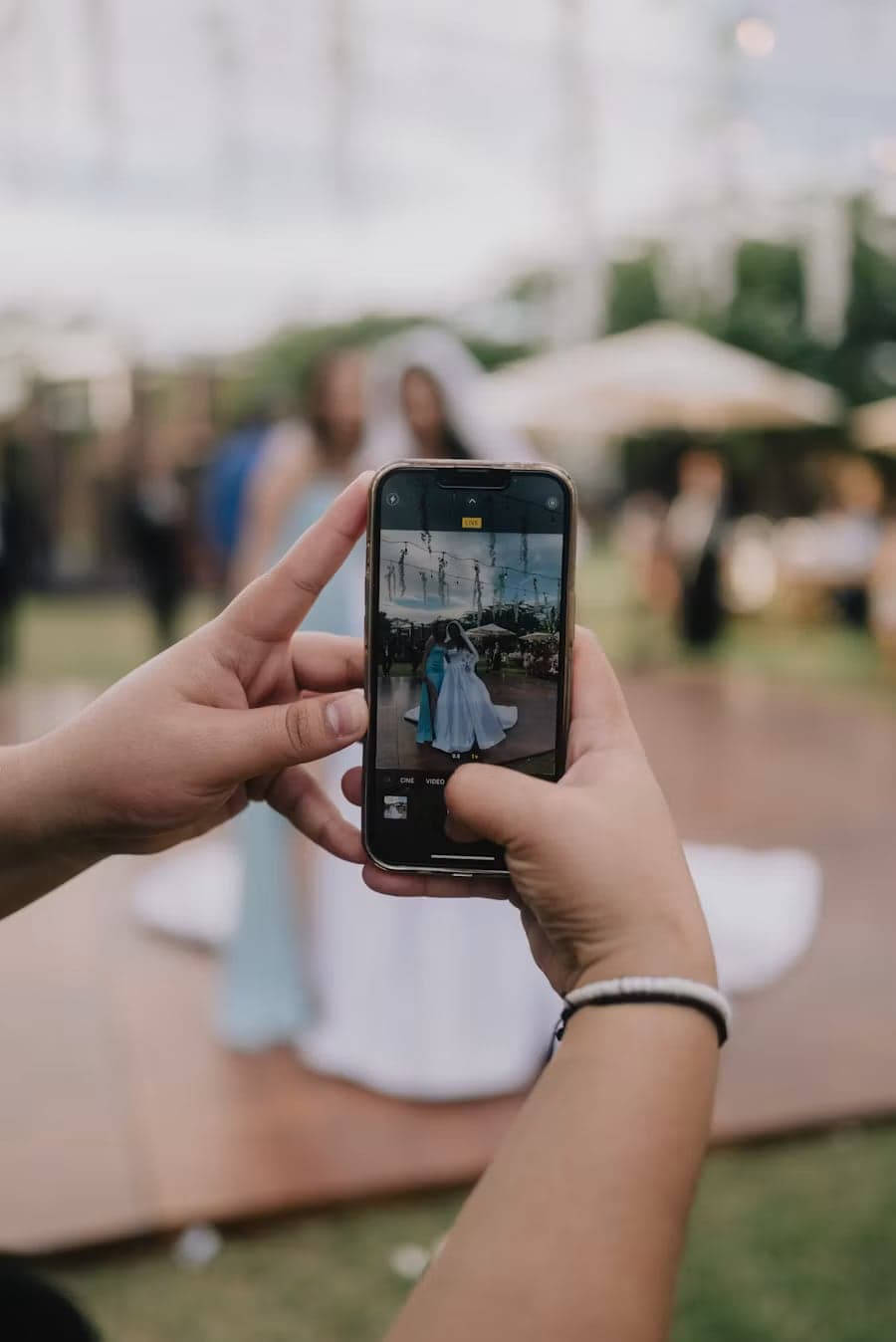
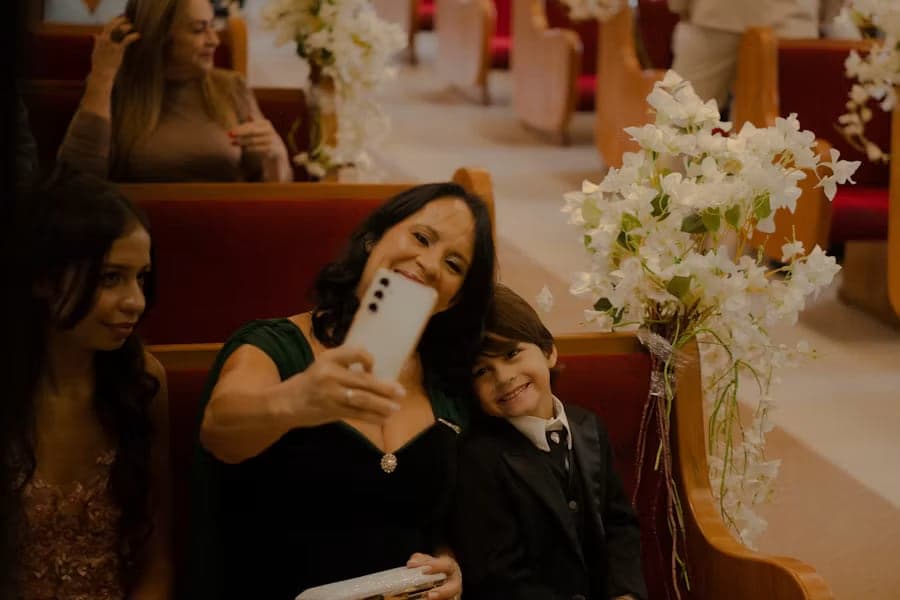
You can create as many of your own tasks as you like: type the text, choose photo or video, save. The prepared ones can be changed or switched off — as soon as your party is set up, the tasks are yours.
The best tasks are the ones that only work at your party: the uncle who tells the same story every year; the colleague who organised the office move; the friend who has been there since school.
Adjustable for each task
What you can tweak on a task.
For every task – the prepared ones and your own – you can decide how it’s used in the game. You don’t have to touch any of it; everything has sensible defaults.
Photo or video
What your guests should capture.
Every task asks for either a photo or a video. That way your guests know straight away what’s wanted, and the right camera opens immediately. A photo for a video task is turned down – with a sentence that says why.
Points
What it counts in the scoring.
A task for which someone has to round up four people can earn more than a photo of the buffet.
Wave
When it becomes visible.
Some tasks only fit later in the evening. Split into waves, they become visible exactly when you want.
How many people are needed
How many others have to be in the picture.
That decides who gets the task: someone sitting alone at the table at the start won’t get one that needs six people.
Across groups
Does it lead to someone from another group?
Only if you name your groups when setting up – the bride’s side, colleagues, club. Then SnapParty can set tasks that specifically bring together people from different groups. Without that information, exactly those tasks drop out.
Required
Is it at the top for every guest?
For the one task that really everyone should do – the profile picture, for example.
Always open
Can it be done more than once?
“Capture a moment when someone laughs” isn’t a task you do once and are done with.
On or off
Whether it’s handed out at all.
Switch off instead of deleting: whatever you want again next year will still be there.
Before the evening
You can set names, groups and people in advance.
None of it is required — a single QR code on the table is enough, and your guests enter their own names. But if you want to prepare more, you can, and then some tasks become possible in the first place.
Personal QR codes
A separate access for each guest, with their name.
Instead of one code for everyone, you can issue each guest their own and label it. Whoever scans it is signed in as that person straight away — without typing a name and without an account.
Guest cards to print
Eight cards per A4 sheet, with name and QR code.
To put on the plates or hand out at the entrance. You print them from the browser; no file is created that could be left lying around somewhere later.
Groups in advance
The bride’s side, department, club — as many as you need.
Only then do the tasks across groups work: “Take a photo with someone from another department” needs the departments. Without that information, exactly those tasks drop out.
People for a task
Who is being looked for — with a profile picture.
“Find the person in the picture and take a selfie.” You assign the person to the task and upload a photo of them; in the guest app the picture then appears next to the task. Without a picture the task would be a question without a subject.
What makes a good task
Four questions we ask of every task.
Is it clear what should be photographed?
“Photograph a decoration you like” asks for a decision nobody wants to make. “Photograph the table decorations” doesn’t.
Is there exactly one goal?
An “or” in the task text turns one task into two – and your guests weigh things up instead of getting going.
Is it clear when the task is done?
“Take a nice photo” has no end. “Get three generations in front of the camera” does.
Is there a judgement in it that everyone makes differently?
“The best shoes” is a matter of taste. “The most eye-catching shoes” almost is too – this is worth a second look.
To suit the occasion
And what applies to your party?
When you set up, you say what kind of party it is. The matching tasks are then ready in your party – at a wedding the ones about the best man, the maid of honour and the couple, at the Christmas party the ones about departments and the year in review.
Occasion
Wedding
Best man and maid of honour, families, generations – and video messages for the couple.
Photo tasks for the weddingOccasion
Birthday
Companions, first memories, advice for the next decade.
Photo tasks for the birthdayOccasion
Company party
Departments, locations, the longest-serving and the new ones.
Photo tasks for the company partyOccasion
Christmas party
The same tasks in December – plus the year in review and Christmas jumpers.
Photo tasks for the Christmas party

Frequently asked questions
What people ask about the tasks.
How many tasks does a guest get?
You decide. Ten to fifteen spread over the evening is usual — nobody reads more than that. You can also show them all at once or unlock them in waves.
Do all guests get the same tasks?
Not necessarily. There are tasks everyone sees, and a pool from which each guest gets their own. The second way makes sure twenty people aren’t hunting for the same shot at the same time.
Can I write my own tasks?
Yes, as many as you like. And you can change or switch off any prepared task — as soon as your party is set up, the tasks are yours.
What’s the difference between photo and video tasks?
A task asks for exactly one kind. For a video task the button opens the video camera, for a photo task the photo camera — so your guests don’t have to guess what’s expected. A photo isn’t accepted for a video task — with a sentence that says why.
How long can a video be?
Short. Around thirty seconds is the limit; if a video is longer, SnapParty says so when uploading and gives the number. A wish for the couple doesn’t need three minutes.
Do the guests need to install an app?
No. Scan the QR code, enter a name, off you go. Everything runs in the browser.
Can every guest get their own QR code?
Yes. You can issue each guest their own access and label it with their name. Whoever scans it is signed in as that person straight away. For handing out there are guest cards to print — eight per A4 sheet, with name and QR code.
Can we split the guests into groups beforehand?
Yes, into as many as you like: the bride’s side and the groom’s side, departments, club, family. Only then do the tasks across groups work — “Take a photo with someone from another department” needs the departments. Without that information, exactly those tasks drop out.
Can I assign a particular person to a task?
Yes. You choose the person and upload a photo of them; in the guest app the picture then appears next to the task — “Find the person in the picture and take a selfie”. Without that picture the task would be a question without a subject, which is why the two belong together.
Can you give SnapParty as a gift?
Yes. The host doesn’t have to be the one who books: the best man and maid of honour, siblings, friends or the office can set up a party, prepare the tasks and hand it over ready to go — on the evening, the QR code is all it takes. The party stays in the account of whoever set it up; if you want to manage it yourself, it’s better to set it up yourself.
Can guests skip a task?
Yes. There’s no order anyone has to work through, and no task that holds up the evening.
Who sees the photos?
All the guests at the party in the shared gallery, and the photo wall on the projector if you like. Anyone who doesn’t want to show a picture can withdraw it.